For the iPhone and Android app
7 · Settings & appearance
Making it look and behave the way you want.
Contents
Change the theme (light / dark)
- Profile → Settings → Appearance.
- Choose Light, Dark, or follow your phone's setting.
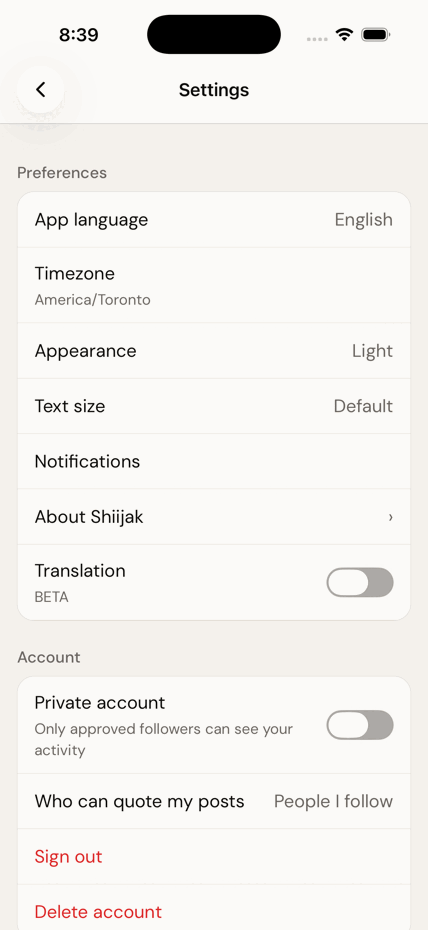
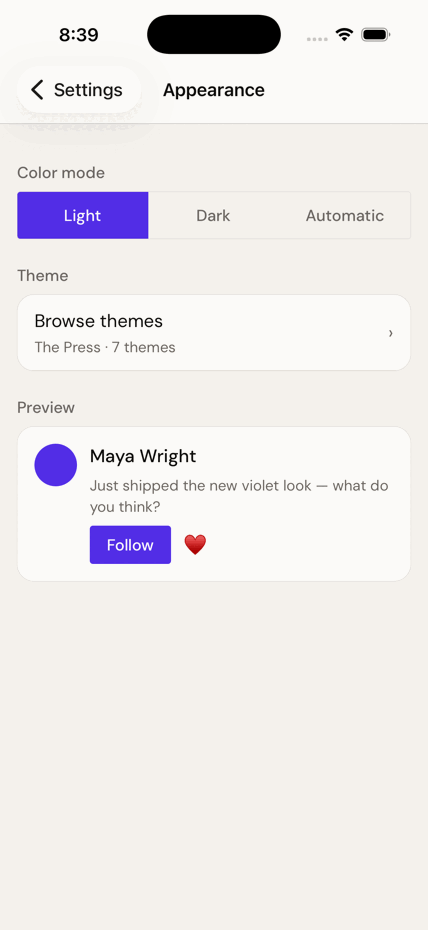
This is the app's light/dark theme. The colour you can give a single conversation (chapter 5) is a different, private thing.
Change the app's colours — the Theme Store
Beyond light and dark, the app itself can wear a different palette.
- Settings → Appearance → Theme Store.
- Tap a theme under Free to apply it immediately.
- Themes marked 🔒 Premium aren't purchasable yet — they're shown, but locked.
Make the text bigger
- Settings → Text size.
- Pick one of five sizes from the list — Small, Default, Large, Larger, Largest. It applies the moment you tap; there's nothing to save.
- A live Preview card underneath shows what a post will actually look like at that size.
- This setting sits on top of your phone's own text-size setting — so if you've already made text large in iOS or Android, Shiijak starts from there and this makes it larger still.
- At the bigger sizes the app reflows rather than shrinking or cutting text off: rows grow taller and side-by-side controls stack.
Change the language
- Settings → App language.
- Pick from 18 languages, each shown in its own script. By default the app follows your phone.
- Set your Timezone here too — it decides how every timestamp reads.
Arabic flips the entire layout right-to-left. Switching into or out of it needs a full restart of the app before everything settles.
Notifications & sounds
- Settings → Notifications.
- Choose what's worth interrupting you for — follows, replies, mentions, messages.
- In-app message sounds are here too (not in the DM settings screen), along with five sound choices and a Pause notifications schedule.
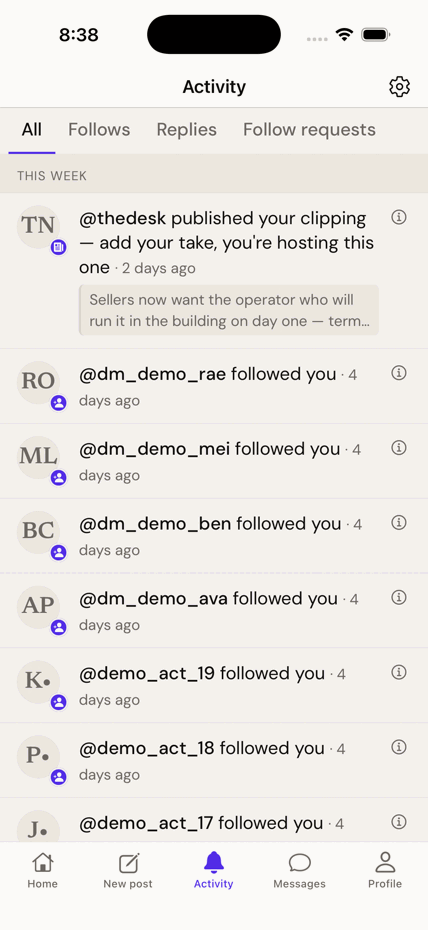
- Everything that happened to you is in the Activity tab, whether or not it buzzed your phone.
- A message notification only ever says "New message" — never the sender, never the text. Anyone glancing at your lock screen learns nothing.
Translation Beta — off by default
- Settings → turn on Translation (marked BETA).
- There is no Translate button. Posts in another language are simply translated for you as you read.
- The original always stays visible underneath, with a quiet "Translated from …" line. You're never shown a translation instead of the words someone actually wrote.
Translation is off in the shipping app. Very short posts, and posts already in your language, are skipped even when it's on.
Two-factor authentication — not in the app
If you've scrolled Settings looking for it: it isn't there, and you haven't missed it.
Two-factor lives at /settings/two-factor on shiijak.com — there is
no screen for it in the phone app. Set it up in a browser (scan the code with an authenticator
app and keep the backup codes somewhere safe); it then protects your account everywhere, including
here. It's required for admins and optional for everyone else.