For the iPhone and Android app
2 · Writing & posting
The composer, topics, photos, and the fifteen minutes in which you can still fix a typo.
Contents
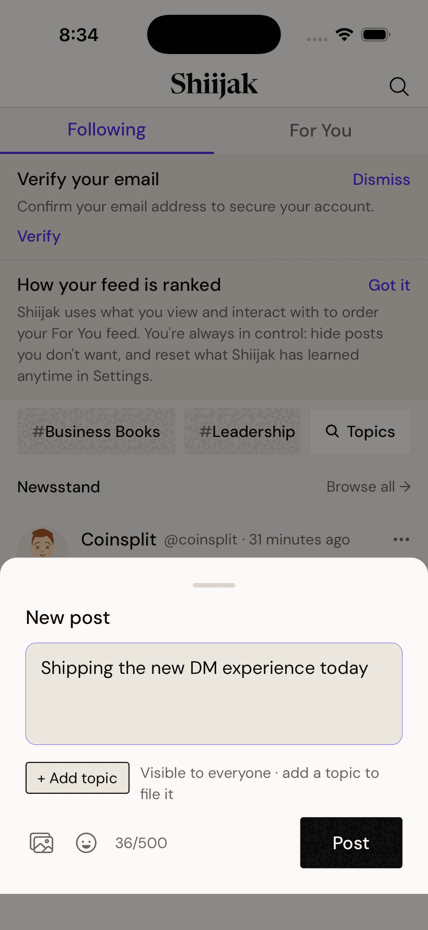
Write a post
- Tap New post in the bottom bar.
- Type. The counter shows 0/500; it turns against you as you approach the limit.
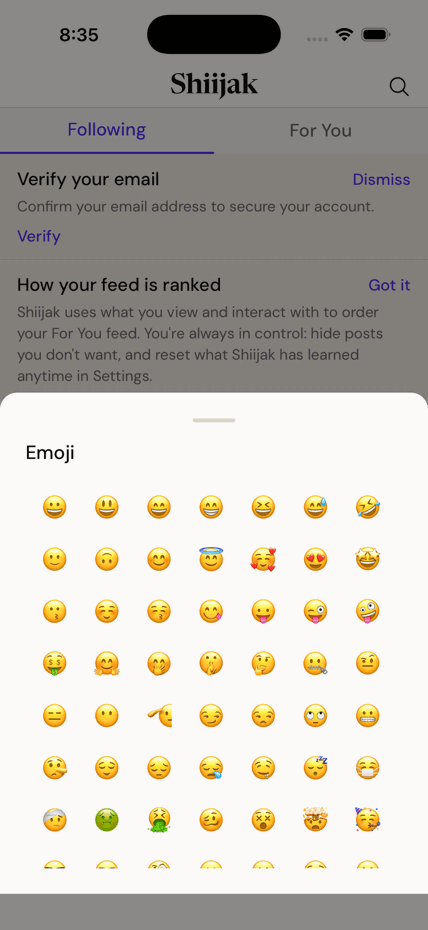
- Optional: add a photo (🖼), an emoji (☺), or a topic (below).
- Tap Post. A confirmation appears with a VIEW shortcut to your new post.
Limits
- 500 characters per post.
- One photo per post (with optional description for screen readers, up to 1,000 characters).
- Paste a link and a preview card appears automatically. Dismiss it with ✕ if you'd rather not show it.
File a post under a topic (and up to two more)
Topics are how a post gets found later. A post can carry up to three: a main topic plus up to two "also relevant" ones.
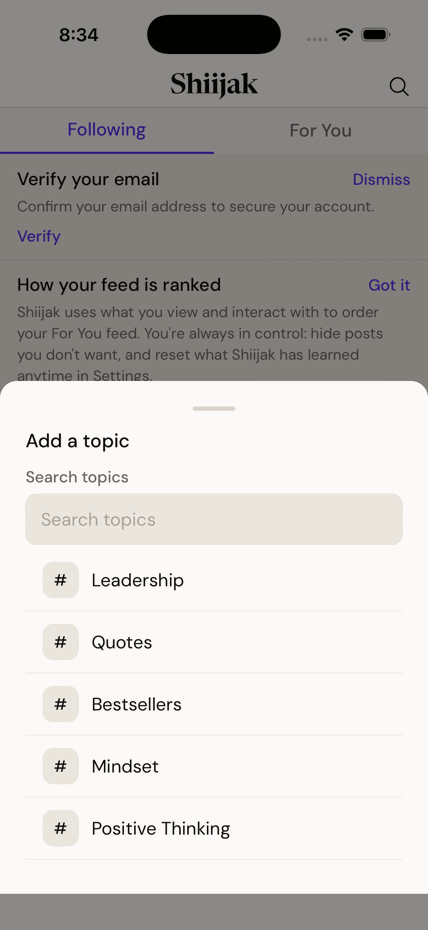
- In the composer, tap + Add a topic.
- Search or pick from the list — Leadership, Bestsellers, Mindset…
- The topic appears as a chip under your draft. Tap the chip's label to swap it; tap ✕ to remove it.
- Shortcut: type
#in the body and an autocomplete appears — choosing from it files the post too. - Tap + Add another topic to file a second or third one. Each additional topic shows as a dimmer chip marked · also relevant. Three is the maximum, and they can't be the same topic twice.
Good to know
- Posting from inside a topic page pre-fills that topic for you (Post in Leadership).
- All of a post's topics show everywhere it appears, and the confirmation names them.
- A topic is filing, not an audience: it never changes who can see the post.
- Replies never take topics — the slot is hidden in reply mode.
Fix a typo — the 15-minute window
- On your own post, open the ··· menu and choose Edit.
- Change the text and save. The post shows a quiet · Edited mark afterwards.
Three catches
You can only edit for 15 minutes after posting.
You get at most 5 edits.
And the moment anyone reposts it, editing is locked forever — even inside the 15 minutes. Someone else has vouched for those words; they don't change under them.
Delete a post
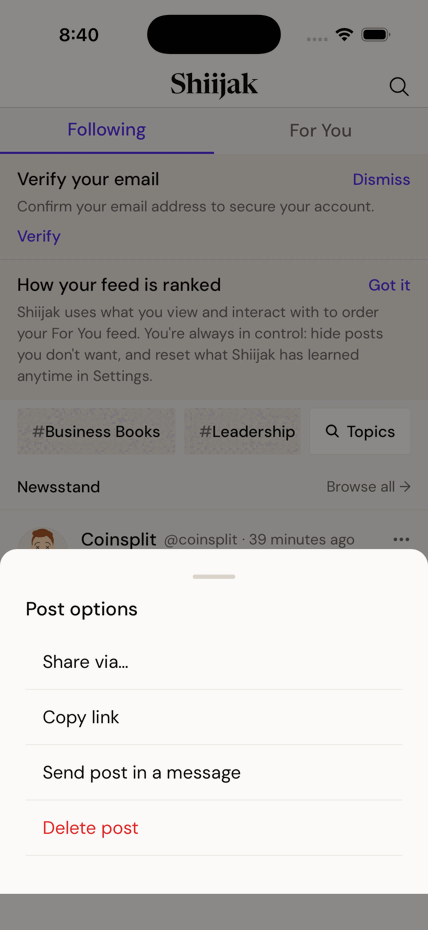
- Open the post's ··· menu.
- Choose Delete post (in red) and confirm.
Careful
Deleting is permanent. There's no undo and no bin. If people replied, their replies remain — your post becomes a "deleted" placeholder above them.
Decide who may quote you
Quoting wraps your post inside someone else's commentary. You choose who's allowed.
- Per post: pick the option in the composer before you post.
- For everything: Settings → Who can quote my posts.
- Three choices: Anyone · People I follow · Nobody.