For the iPhone and Android app
4 · Topics & the Newsstand
Shiijak is organised like a magazine rack. This is the rack.
Contents
Follow a topic, and pin it
- Open any topic (tap a #chip on a post, or search).
- Tap Following to follow it — its posts start reaching your feeds.
- Tap ★ Pinned to Home to park it as a shortcut at the top of Home. Eight pins maximum — after that you'll be told the rail is full (you still follow the topic; pinning only controls the shortcut).
Browse the Newsstand
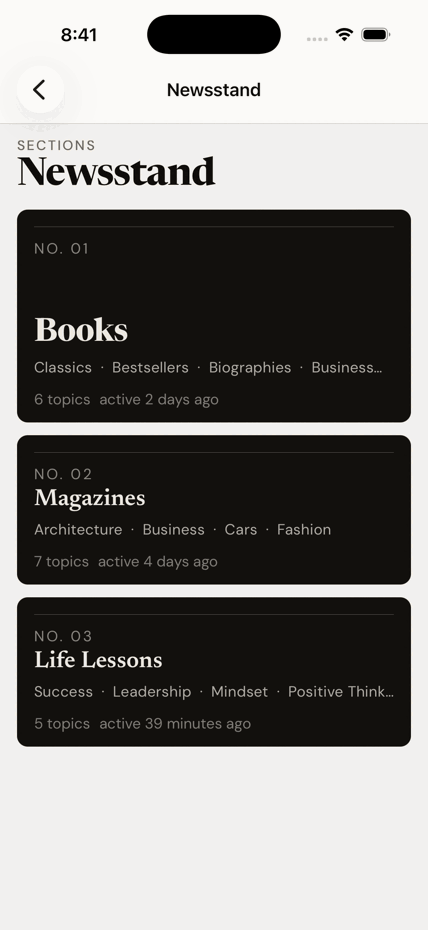
Topics are grouped into sections — Books, Magazines, Life Lessons — like a masthead.
- On Home, tap Newsstand or Browse all →.
- Pick a section to see its topics, then a topic to read it.
Search
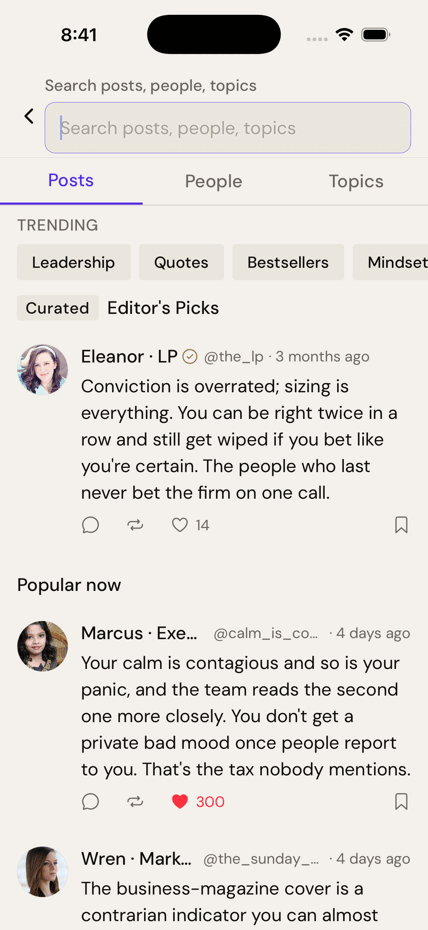
- Tap the 🔍 in the top-right of Home.
- Search people and posts; recent searches are remembered.